
WordPress and WooCommerce development
Krikir offers WordPress and WooCommerce development for teams that want to run their own site.
What a WordPress or WooCommerce build covers
This WordPress and WooCommerce development suits a team that publishes often, depends on plugins or wants full control of its store and hosting. If nobody will look after updates, it is the wrong choice: Shopify is simpler for a store, and Webflow or Framer for a marketing site.
Design in Figma
The key page templates drawn for desktop and phone, approved by you before any code.
Elementor on a custom child theme
A child theme holds your design, and Elementor lets your team change pages without a developer.
WooCommerce store
Products, variations, payments, shipping and taxes set up for the markets you sell in.
Content and redirects
Pages, posts and products moved across, with each old link pointing to its new page.
Training and handover
Your team learns the editor on the staging site, then takes over.
Elementor, block theme or headless WordPress?
Marketing teams who want to build new page layouts themselves. Our live WordPress sites run this way.
It adds weight and needs regular updates, so we limit add-ons and check speed on every template.
Content sites where editors work in the WordPress block editor and page weight matters most.
A new kind of layout needs a developer. Our published WordPress work so far is Elementor, so weigh that when you choose.
Products that need WordPress content inside a Next.js app or on several front ends.
There is more to build and run, and some plugins stop working without the WordPress front end.
WordPress projects, all on Elementor
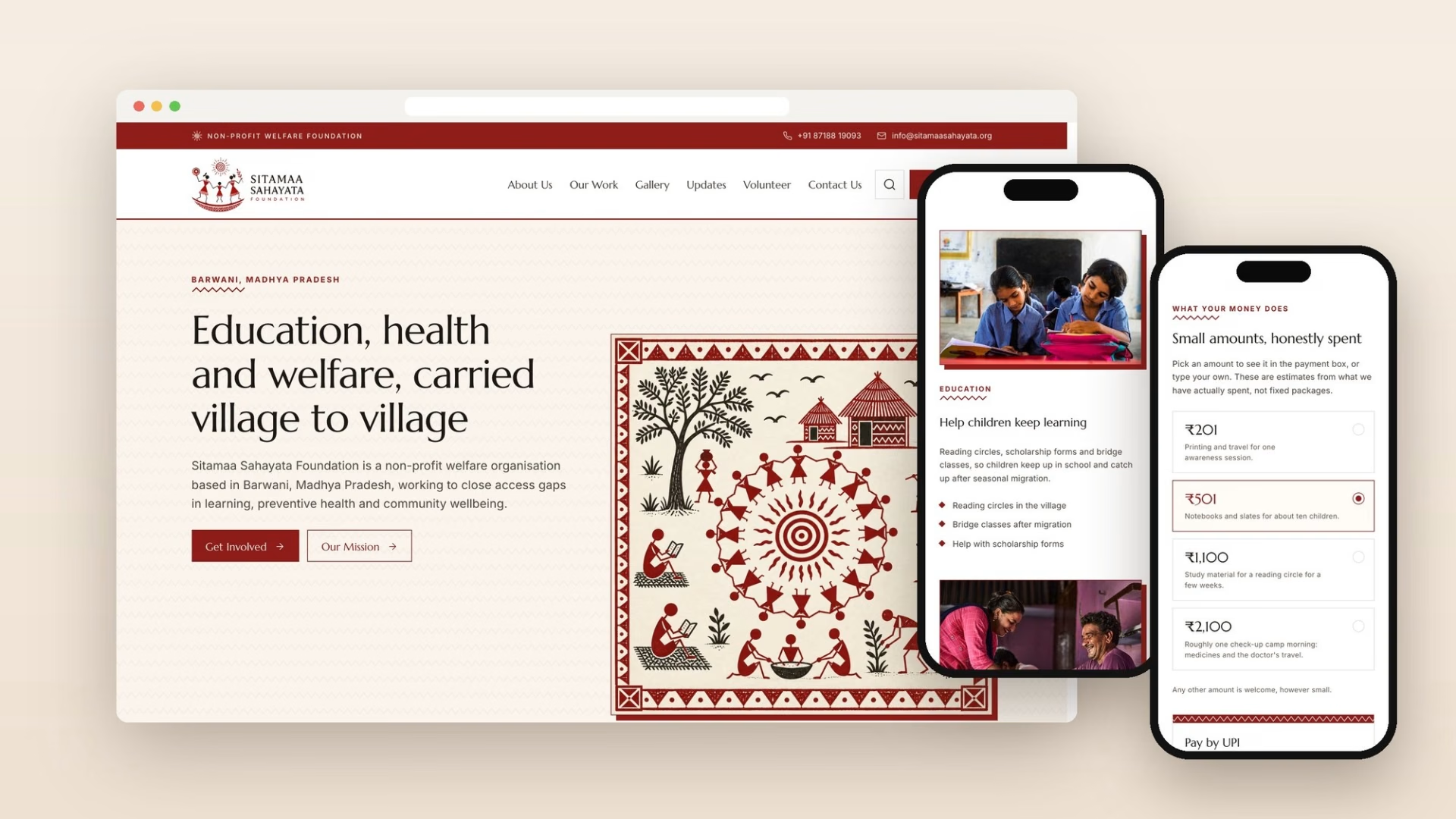
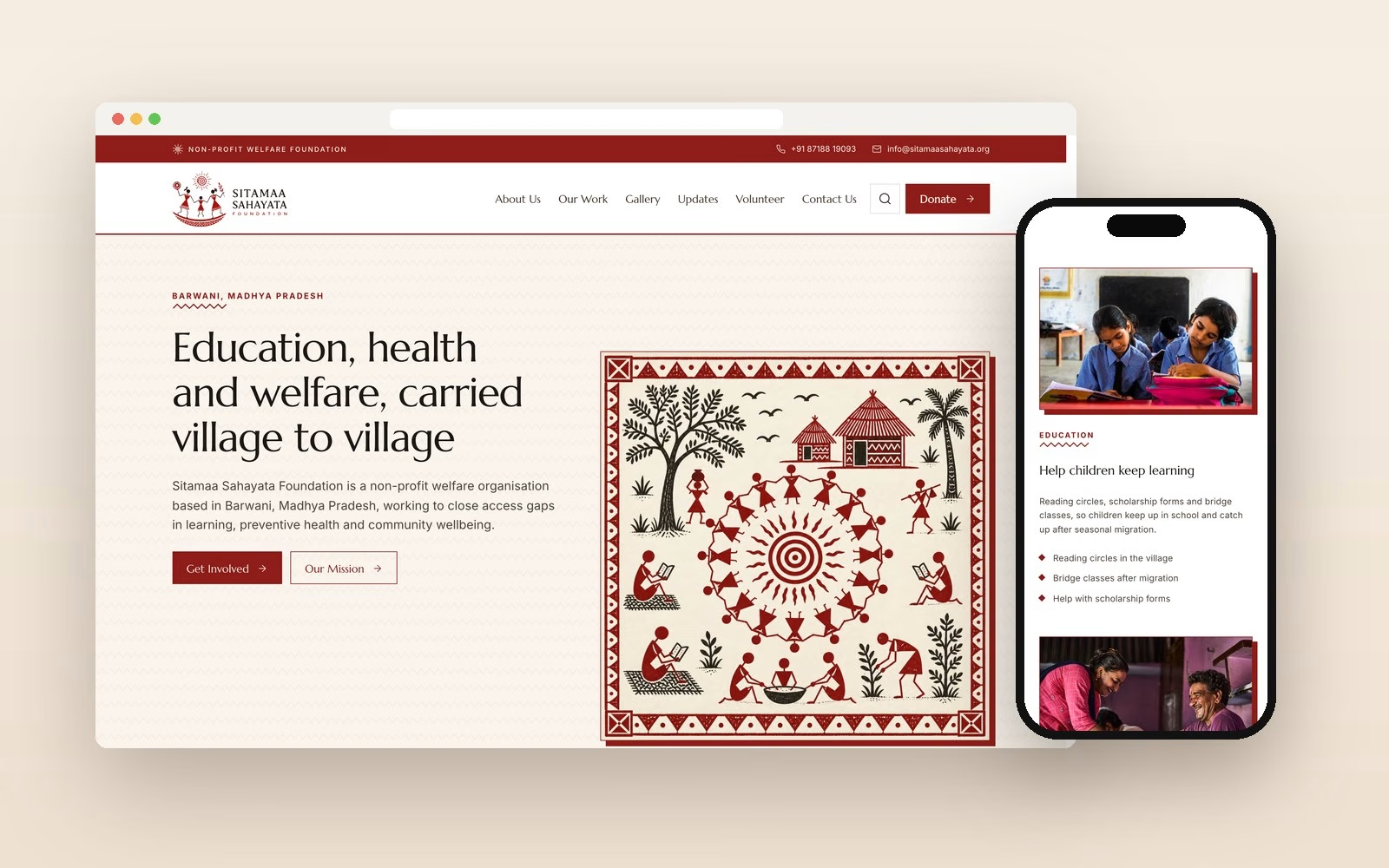
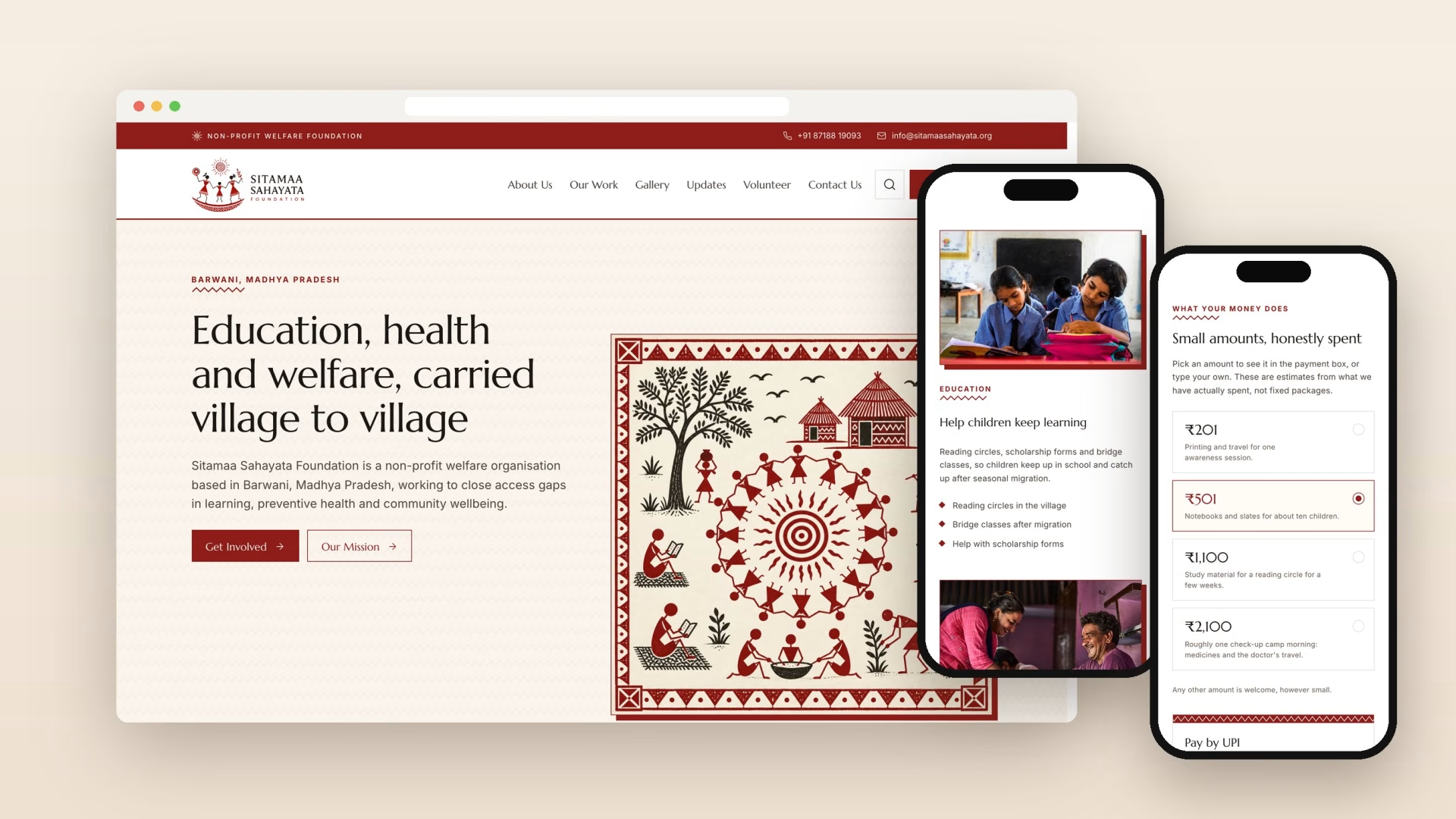
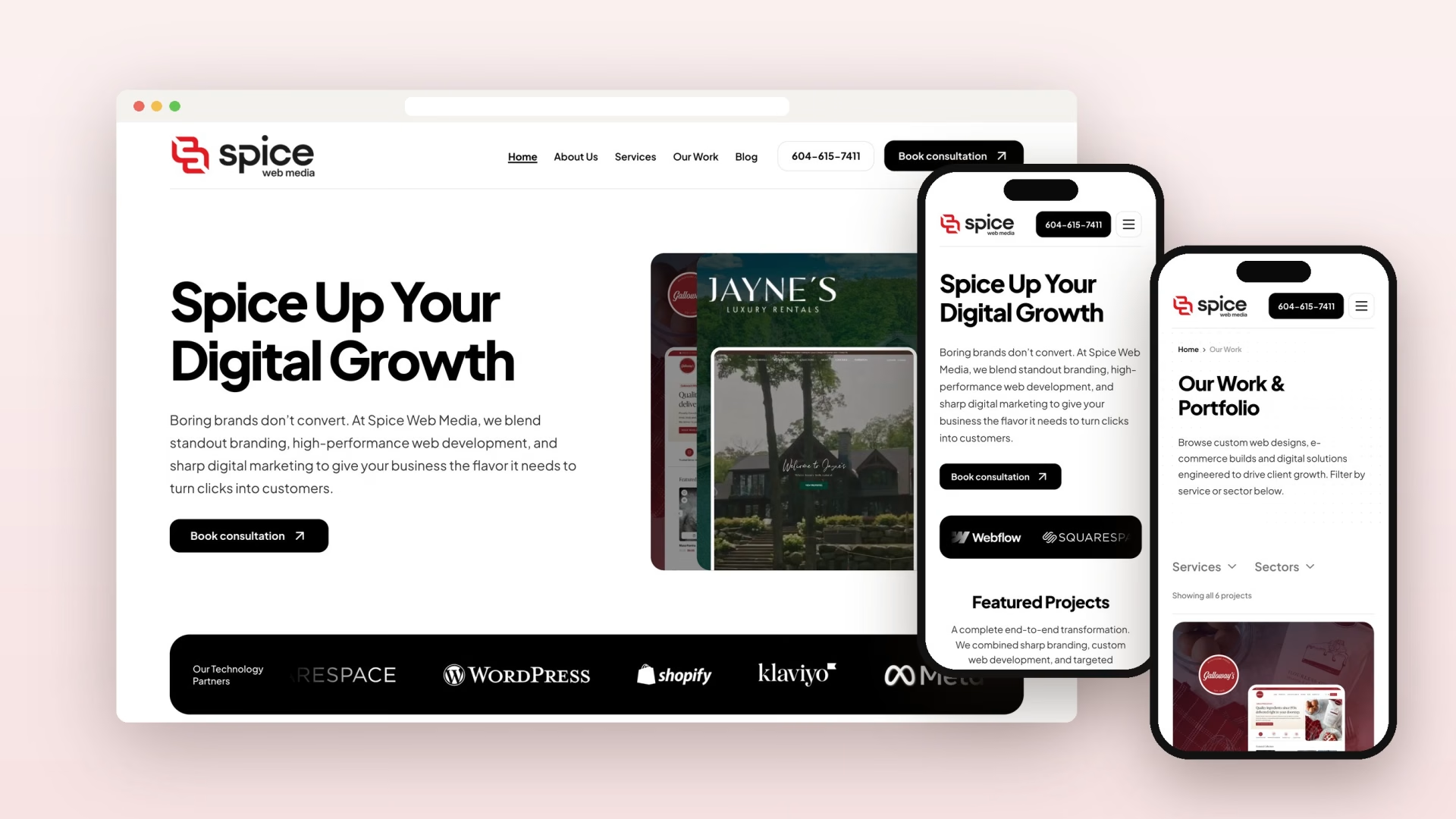
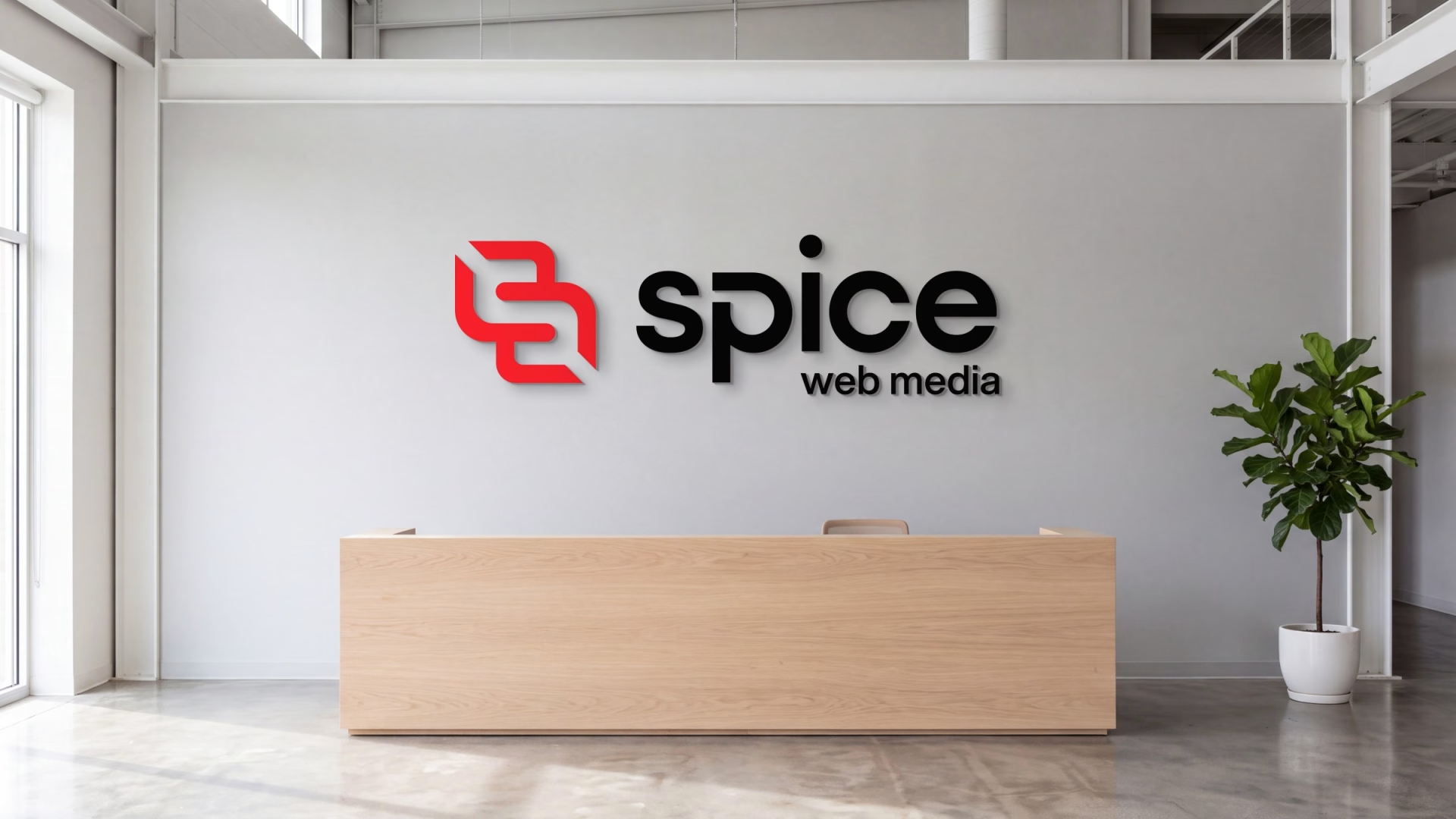
All three are Elementor builds on a custom child theme, and each team adds its own content: 43 pages and posts on Spice Web Media, new films on Mann Studios and camp updates on Sitamaa Sahayata Foundation. We have delivered WooCommerce stores for clients too. They stay private, so these are the projects we can show.
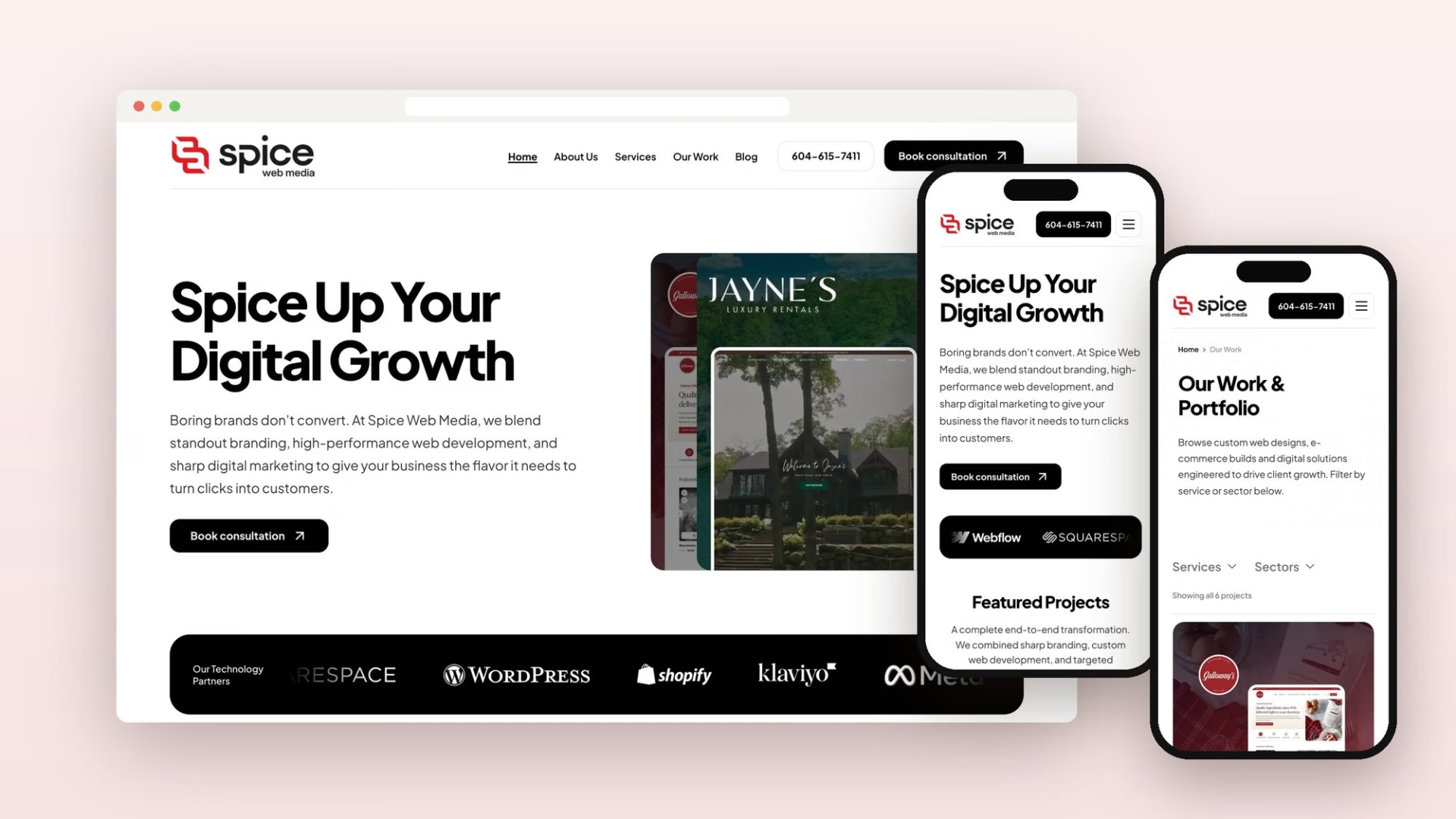
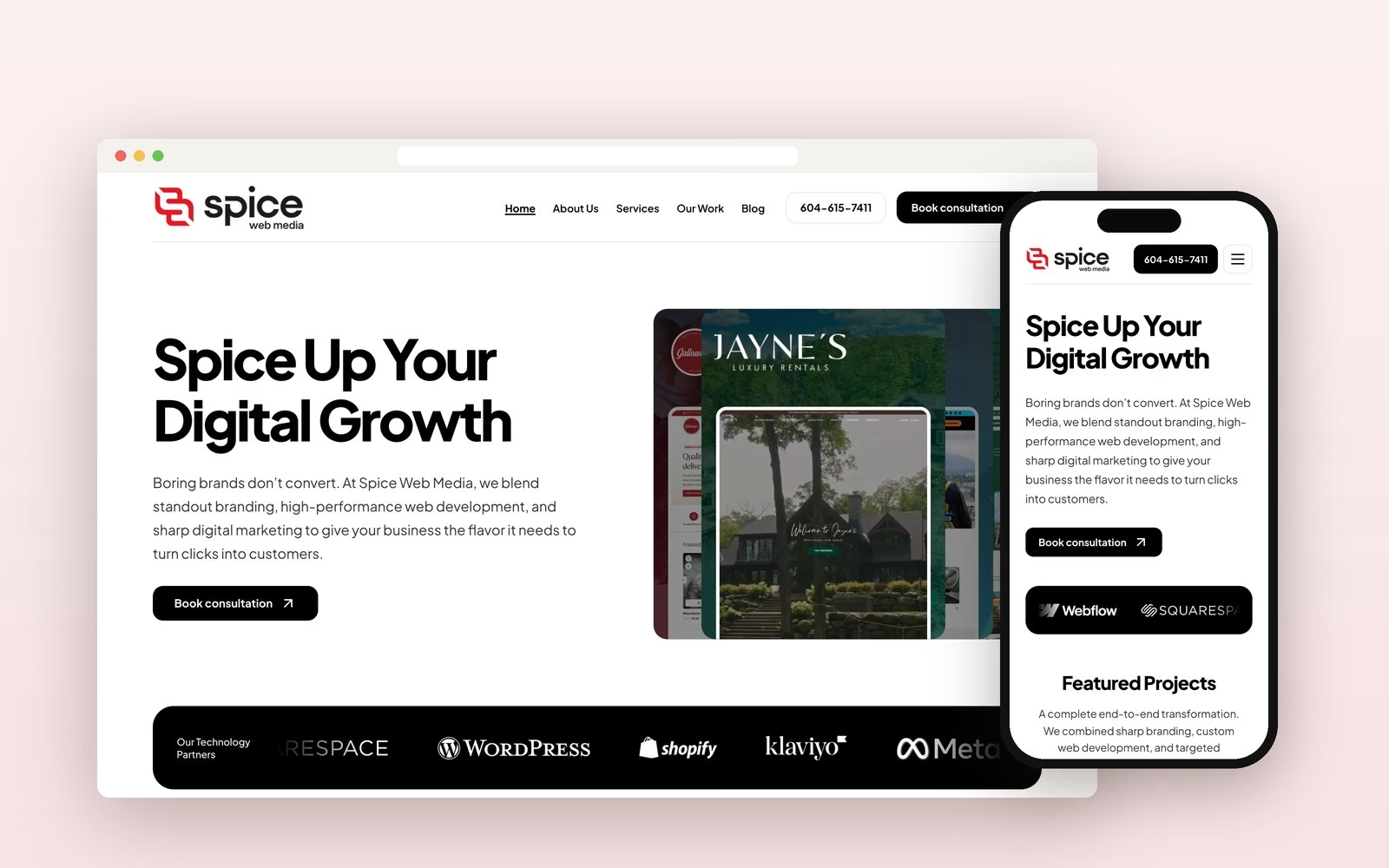
A brand and a 43-page website for a growing marketing agency in Canada


A gold clapperboard identity and a website that puts the films first
Talk it through on a call
We look at what you have now and what you want it to do.
We tell you how we would do it and who would work on it.
You get a fixed quote in writing after the call, with nothing to sign until you are ready.
How a WordPress build runs
The design is yours to approve before code starts, and the site before it goes live. Staging stays open, so you can check it at your own hour. The booking page shows call times in your own time zone.
Call and fixed quote
Your pages, content, plugins and integrations go into a written scope and a fixed quote you approve.
Design in Figma
The key templates on desktop and phone. You approve them before any code is written.
Build and content
The child theme, the Elementor templates and WooCommerce if you sell online, then your content moved across.
Checks and training
Phone speed, forms, checkout, redirects and backups tested. Your team is trained on staging, and you approve the launch.
Launch and handover
The site goes live, the sitemap goes to Google Search Console and every login is handed to you.
What you own after a WordPress build
Hosting, the domain and plugin licences sit in accounts in your name. The theme code and the designs are transferred to you on final payment, under the contract. The fixed quote depends on the number of templates, the store's rules and how much content has to move.
Keeping WordPress fast and safe after launch
A WordPress site is software, and it ages unless someone looks after it. These are the facts behind how we build.

Speed comes from the build
In HTTP Archive's 2025 Web Almanac, 35% of WooCommerce sites reached good Core Web Vitals on mobile, against 76% of Shopify sites. Those are averages, not a verdict on one store, and we promise no score. We test on a mid-range phone and fix what the test shows.
Every plugin is a risk
Patchstack, which sells WordPress protection, counted 11,334 new WordPress vulnerabilities in 2025, and 91% of them were in plugins. So a plugin has to earn its place, and your handover lists why each one is there.
A slow site: stay or leave
If you publish a lot, need plugins or sell through WooCommerce, stay on WordPress and rebuild it cleanly. If the site is mostly marketing pages and nobody wants to maintain it, our Webflow and Framer page is the better read.
Older stores need a PHP check
WooCommerce plans a February 2027 release that requires PHP 8.1 or newer. If your store runs on old hosting, check it before that update arrives.
Someone has to own updates
Elementor, WooCommerce and every plugin need updating after launch. Name who does that before you go live: your team, with our notes, or a Website Care plan.
Other pages if WordPress is only part of it
WordPress and WooCommerce questions
Cost, rankings, upkeep and the choice of platform.

Book a 30-minute call
The cost of a custom WordPress or WooCommerce site depends on its scope, and you get a fixed quote after one call. The quote depends on the number of page templates, the store's products and rules, how much content has to move, and each integration or extra language. It changes only if the scope changes.
No studio can promise that rankings will hold through a move to WordPress: Google itself says to expect temporary fluctuation. We move pages, posts and products from platforms such as Wix, Squarespace or Shopify and map every old URL on the redirect sheet you approve to a new page. Google advises keeping those redirects for at least a year, and the redirect file is yours.
WordPress stays secure only if a named person updates the core software, the theme and the plugins. That can be your team, working from our notes, or us under a Website Care plan. Response times are agreed in writing in the plan before work starts.
Elementor suits a marketing team that wants to build layouts itself, and the block editor suits content sites where page weight matters most. Our live WordPress sites run Elementor on a custom child theme. We name one route in the quote and say why.
WooCommerce is not automatically cheaper than Shopify, because you take on the hosting, plugins and upkeep that Shopify folds into its plan. WooCommerce earns its place when you need your own product rules, checkout steps and hosting, or when the store sits beside a lot of content. Shopify is simpler if you want those things handled for you, and we offer both, so we will tell you which fits after the first call.












Let's talk about your next project
Book a 30-minute call or send a brief. A founder replies within one working day.